
Connect AI · visual field guide
An illustrated tour of Connect AI with focused images of its controls and settings.
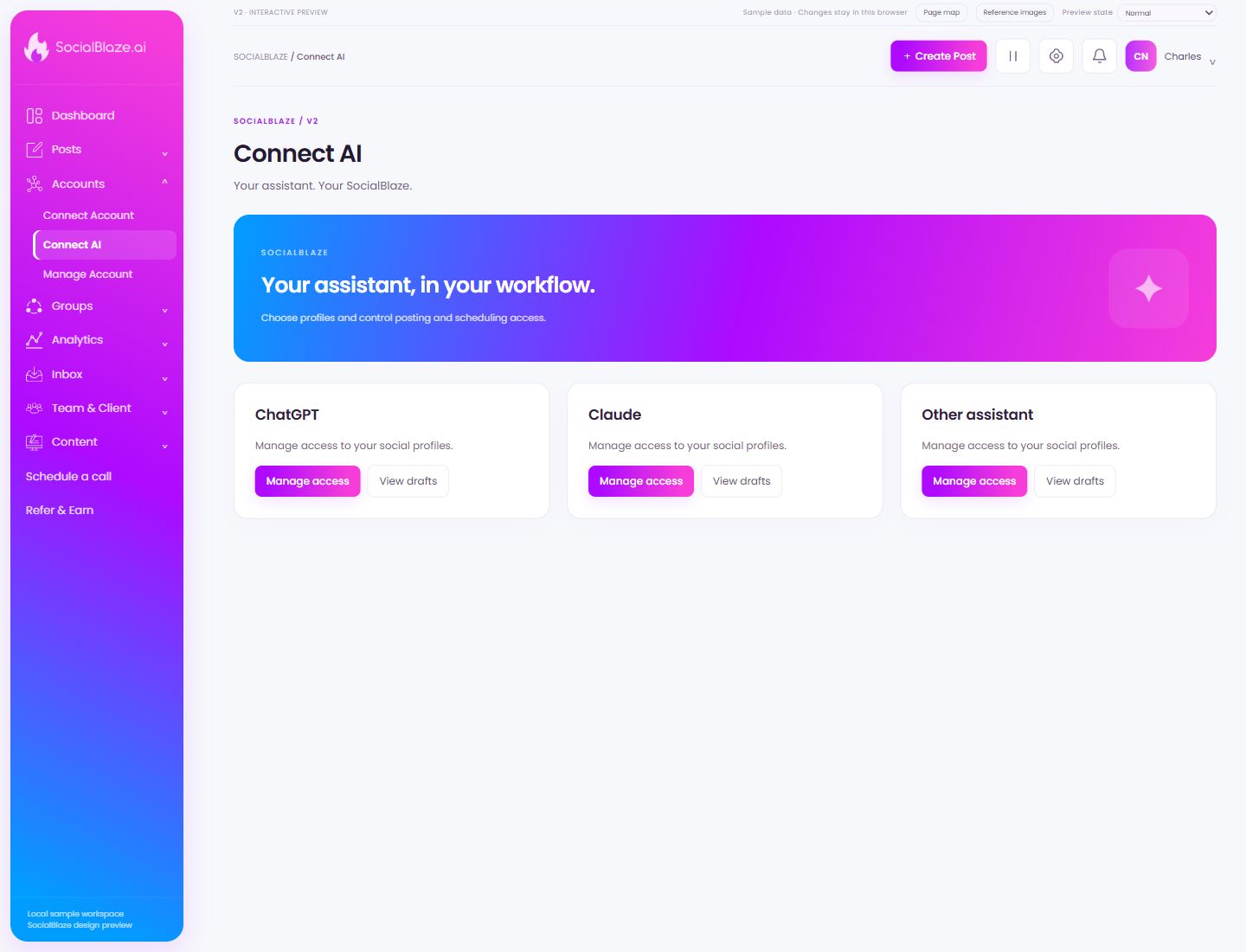
Orient yourself on the page
Design-preview images. These captures use sample data from the redesigned workspace. Illustrations use sample data. Available controls and results depend on your connected platform and account permissions.
Use this overview to locate the main controls before following the focused illustrations below.
PRODUCT PREVIEW · Connect AI
Review the AI integration’s access
Open the access controls for this AI integration. Check which connection and permissions are being configured before saving any change.
PRODUCT PREVIEW · Review the AI integration’s access
1
1
Manage access. The highlighted control is the one described in this step.
Find content created through the integration
Open the drafts associated with the integration. Review the caption, account choices, media, and provenance before moving a draft into approval or scheduling.
PRODUCT PREVIEW · Find content created through the integration
1
1
View drafts. The highlighted control is the one described in this step.
Was this guide helpful?