
Refer & Earn · visual field guide
An illustrated tour of Refer & Earn with focused images of its controls and settings.
Orient yourself on the page
Design-preview images. These captures use sample data from the redesigned workspace. Illustrations use sample data. Available controls and results depend on your connected platform and account permissions.
Use this overview to locate the main controls before following the focused illustrations below.
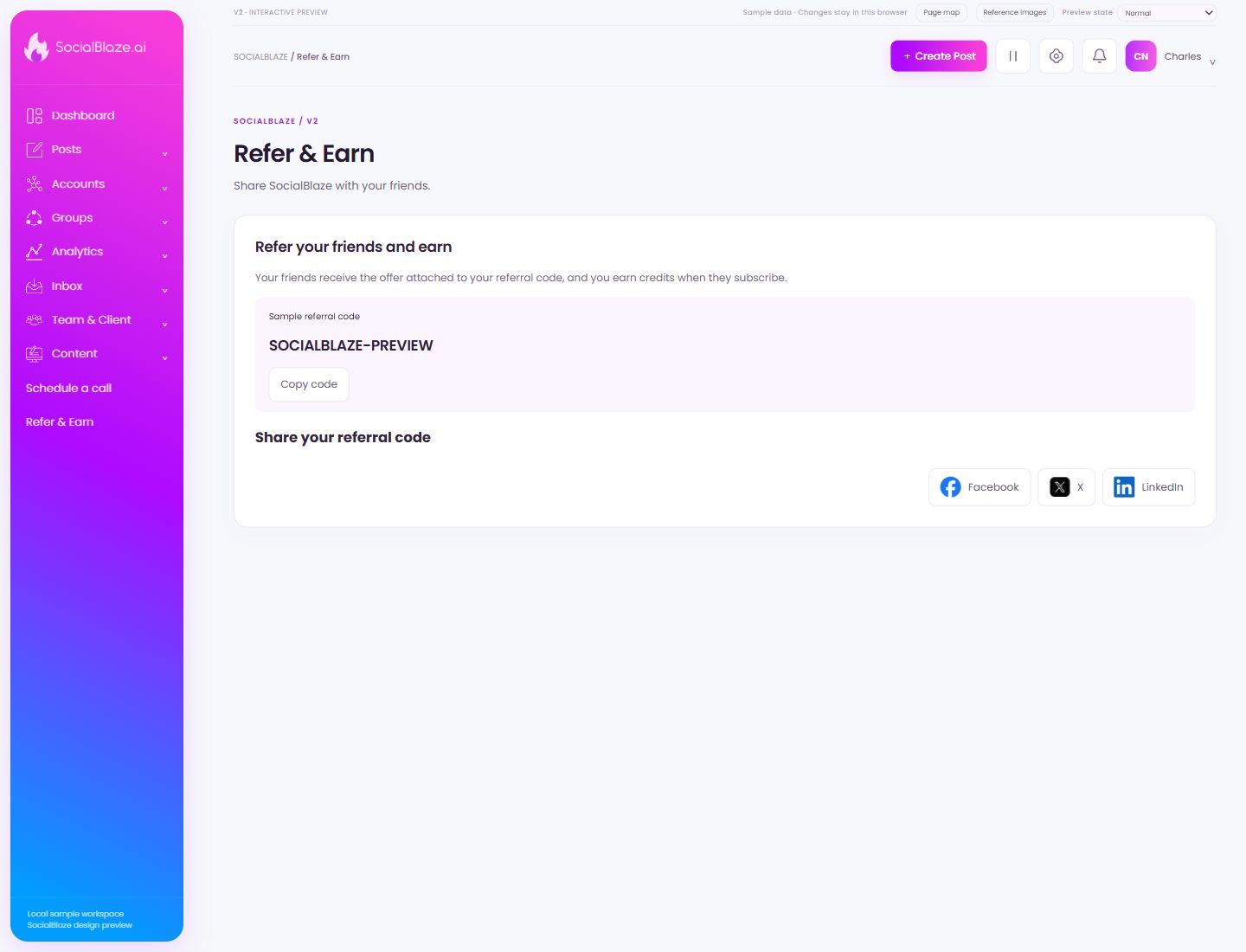
Copy your referral code
Use Copy code to copy the code shown in this referral section. Check the pasted value before sharing it and review the displayed referral terms separately.
Open the Facebook sharing option
Use this option in the surrounding sharing workflow, then review the destination and content before posting. In the composer, a platform tab instead changes which caption or preview you are inspecting.
Open the X sharing option
Review the intended destination and message before completing the sharing workflow. Selecting a sharing option and publishing the resulting post are separate actions.
Open the LinkedIn sharing option
Review the account, destination, and resulting message before posting. Do not assume the sharing shortcut selects the same profile as your currently connected account.